Technical Overview
How Hybrid Email Works
A transparent look at the architecture that saves businesses 40–60% on email licensing without disrupting users.
A transparent look at the architecture that saves businesses 40–60% on email licensing without disrupting users.
Instead of giving every employee a full Microsoft 365 or Google Workspace license, the hybrid model segments users based on what they actually use — and assigns the right plan to each.
Employees who genuinely use Teams, SharePoint, OneDrive, or Office desktop apps retain their full Microsoft 365 licenses. Nothing changes for them.
Staff who primarily use email — send, receive, reply — are migrated to a HybridMail plan. They keep Outlook, mobile access, and their email address. They just don't pay for tools they never open.
Based on analysis across customer deployments. Actual ratios vary.
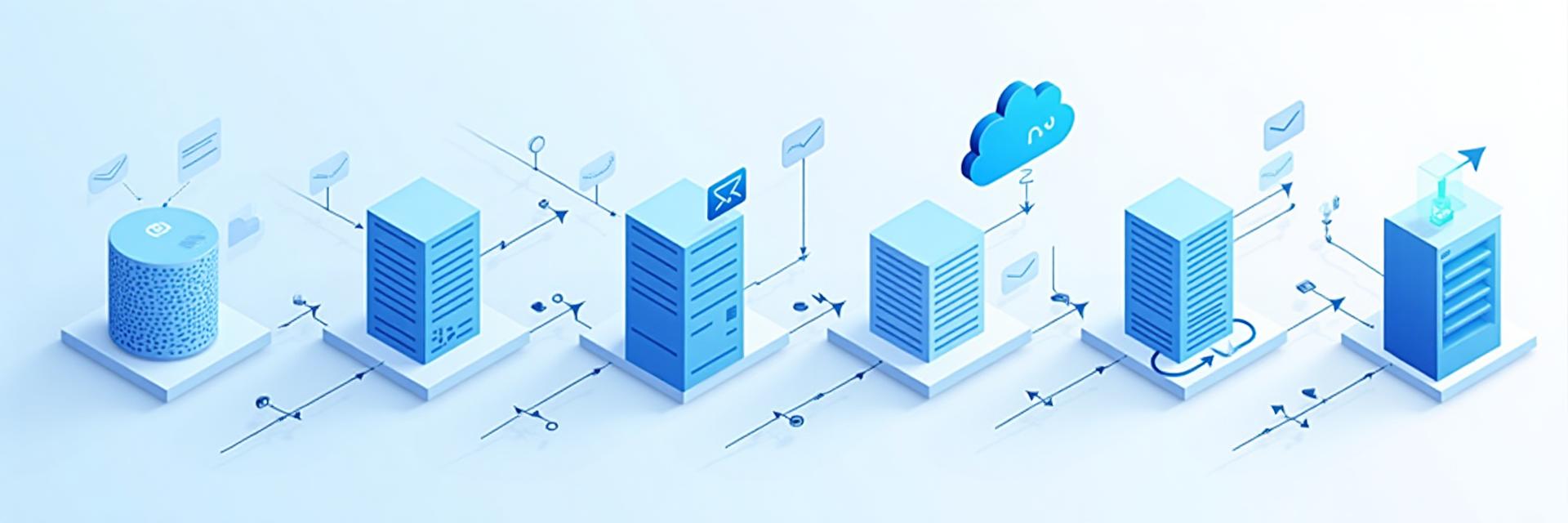
Every email goes through the same secure processing pipeline.
Inbound email arrives at the MX record — whether the recipient has M365 or HybridMail.
Microsoft Defender scans for spam, phishing, malware, and impersonation attempts — for all user types.
The hybrid layer routes the message to the correct mailbox — M365 or HybridMail — based on the recipient profile.
Users access their email via Outlook desktop, Outlook mobile, or webmail — exactly as before.
Yes. HybridMail users keep their existing company email address. There is no change visible to senders or recipients.
Yes. All major mobile email apps including Outlook for iOS and Android, Apple Mail, and Gmail app are supported via IMAP/SMTP.
For most organisations, a phased migration can be completed in 2–4 weeks with zero user downtime. A discovery and planning session takes under 30 minutes.
Hybrid Professional users retain full calendar and contacts sync. Hybrid Essential users can access shared calendars with limited functionality. Power users are not affected.
Yes. SecureBox HybridMail is operated in compliance with UAE TDRA regulations and supports organisations subject to UAE data residency requirements.
Book a free 30-minute assessment — no commitment, no pressure.
Book a Free Assessment